


As IT needs grow alongside increasingly complex digital environments, teams are under pressure to resolve more issues faster and with fewer resources. An AI chatbot for IT support addresses the challenge by automating routine tasks and resolving common issues to free up human agents for more complex problems.
From password resets to real-time troubleshooting, these intelligent assistants can speed up response times and enhance user satisfaction.
In this article, we will examine real-world use cases that demonstrate how AI chatbots are transforming the way IT support teams operate.
How do AI chatbots streamline IT support?
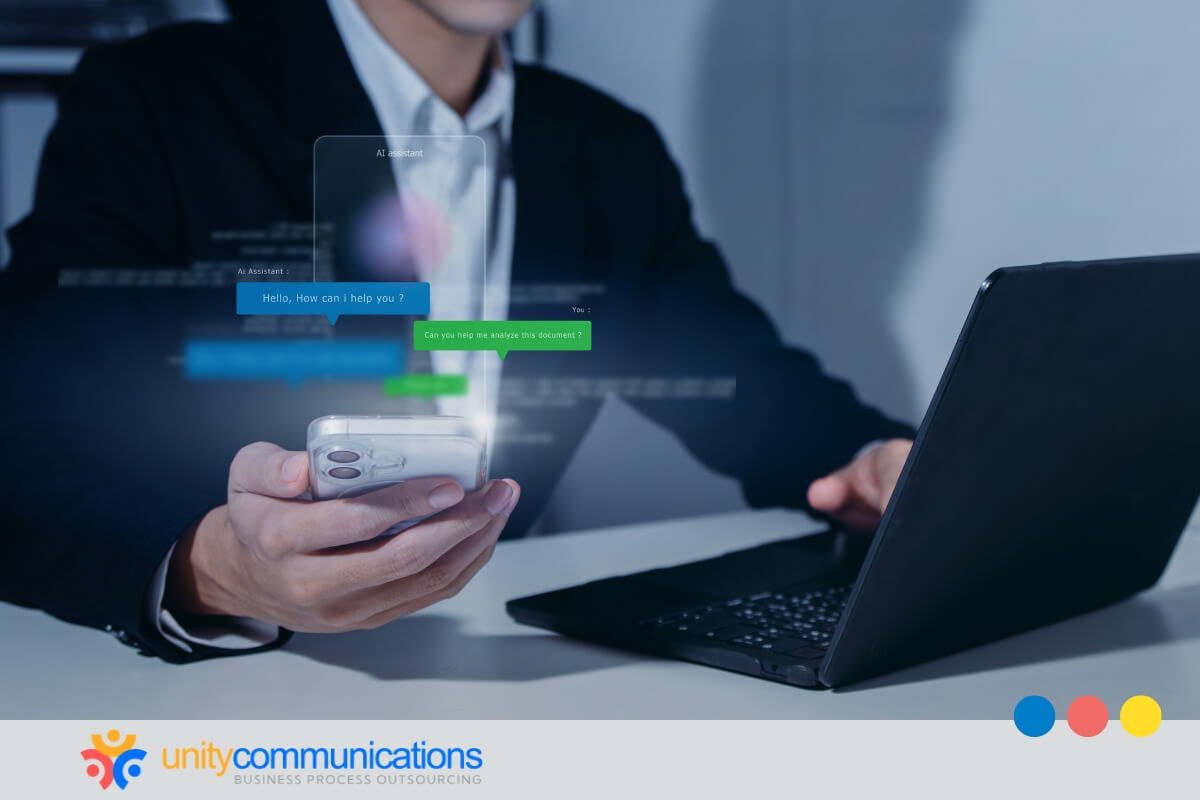
According to Grand View Research, a research market firm, the global chatbot market size could reach $41.24 billion by 2033 as AI accelerates and more businesses adopt it to streamline operations, including IT support.
AI chatbots can actively reduce the workload that slows down IT teams. By automatically handling high-volume, repetitive requests, they free your team to focus on issues that genuinely require human expertise. The use cases below show where that impact is most immediate.
1. 24/7 availability for instant IT support
An AI chatbot for IT support can deliver service without breaks, holidays, or time zone limitations, reducing customer frustration while keeping systems running smoothly around the clock.
- Nonstop support. The chatbot is available 24/7 for uninterrupted IT assistance.
- After-hours coverage. Employees and clients can access support even when the IT team is offline.
- Global reach. The chatbot supports teams operating across different regions and time zones.
- Instant resolutions. It can answer common questions and resolve basic issues quickly.
- Reduced backlog. An AI chatbot prevents ticket pile-ups during off-peak hours.
- Consistent experience. It can deliver consistent service quality at any time.
With 24/7 support, your IT help desk becomes faster, more accessible, and consistently available to respond.
2. Password reset automation and account assistance
Password problems remain one of the top IT issues organizations face. An AI chatbot for IT support can automate password resets, account unlocks, and access verification, reducing ticket volume when paired with proper identity verification protocols.
IBM’s AskIT demonstrates what effective password reset automation looks like at scale. Built on IBM watsonx Assistant, the chatbot was trained on 80% of the company’s most frequent IT issues and made available to more than 280,000 employees across 40 languages. Within four months of launch, over 133,000 employees had used it, with 75% of submitted tickets resolved by the chatbot directly.
However, automation should not come at the cost of security. You must require multi-factor authentication for all access requests to identify the user’s identity before any credential changes are made. This approach reduces manual handling of sensitive credential data, thereby lowering the risk of human error.
With the right configuration and data privacy protocols, you can develop an AI system that provides consistent and fast IT support without compromising security standards.
3. Smart troubleshooting for hardware and software issues
An AI chatbot for IT support can guide users through intelligent troubleshooting steps for both hardware and software problems. It uses conversational logic and integrated knowledge bases to narrow down potential causes and suggest targeted fixes, resulting in faster resolution and reduced reliance on human agents.
Take HP’s AI Companion included in the latest AI PCs. In its on-device mode, it can process queries locally, ensuring sensitive data never leaves the device and making it suitable for privacy-conscious environments.
HP has also indicated plans to expand AI Companion’s functionality to include PC settings management and troubleshooting support.
For IT environments handling sensitive data, on-device AI tools such as HP AI Companion point to a broader shift, one where support becomes faster and more private without routing information through external servers.
4. Streamlined asset management and ticket workflows
Managing IT assets and tickets manually can lead to delays and errors. An AI chatbot for IT support can automate these processes, helping requests, approvals, and updates move faster and with fewer manual errors, keeping IT records cleaner and easier to manage.
It can:
- Log detailed tickets directly from chat interactions.
- Keep all ticket statuses synchronized across systems.
- Process common asset requests with predefined workflows.
- Automatically track devices, licenses, and configurations.
- Create accurate records for compliance and reviews.
- Keep requesters automatically updated on the progress of their tickets.
Automation gives IT teams more control and users a smoother, more transparent experience.
5. Proactive incident alerts and outage notifications
When integrated with monitoring tools, an AI chatbot for IT support can proactively alert teams and employees when problems arise, helping prevent confusion and speed up incident response.
Some related capabilities include:
- Automatic alerts. Send notifications as soon as systems detect problems.
- Outage communication. Keep all affected users informed and reassured.
- Status updates. Provide real-time progress as incidents are resolved.
- Team coordination. Ensure IT staff are immediately notified and aligned.
- Error trend analysis. Identify recurring issues before they escalate.
- Reduced downtime. Minimize productivity loss through faster responses.
With proactive alerts, IT support shifts from reactive troubleshooting to faster, more coordinated incident response.
6. Self-service support
When properly integrated, an AI chatbot for IT support can provide users direct access to your company’s knowledge base. It can intelligently suggest relevant articles and guides for each question, reducing the need for manual assistance and making IT support faster, more empowering, and easier to scale.
Other benefits include:
- Interactive learning. Walk users through step-by-step instructions.
- Continuous learning. Improve recommendations with every interaction.
- Reduced ticket volume. Solve basic issues before they reach the IT queue.
ServiceNow’s internal deployment of its Now Assist generative AI platform offers a concrete example of self-service at scale. Within 120 days of deployment, ServiceNow reported a 14% boost in its employee deflection rate and a 10% increase in customer case deflection, resulting in fewer tickets reaching the help desk.
When the underlying knowledge base is well-maintained, self-service AI tools save time for both employees and IT teams and can improve overall satisfaction.
7. Strong integration with ITSM and help desk platforms
For maximum efficiency, an AI chatbot for IT support can integrate directly with information technology service management (ITSM) systems and help desk tools. This way, every ticket, update, and conversation stays connected within existing workflows, keeping the IT ecosystem organized, unified, and efficient.
AI chatbots can:
- Connect easily with help desk tools such as Zendesk, Jira Service Management, or similar platforms.
- Sync ticket changes and resolutions instantly.
- Allow teams to monitor performance from a single dashboard.
- Grow with your business needs and as you expand your tools.
- Eliminate redundant data input between systems.
When an AI chatbot connects directly with your ITSM platform, every conversation becomes part of a unified workflow. This reduces manual handoffs and keeps ticket data up to date across systems, giving IT teams a single, accurate view of service performance.
8. Actionable analytics for performance and accuracy tracking
In IT environments, an AI chatbot can generate performance data that helps teams continuously improve. These include the following:
- Deflection analysis tracks how many tickets are resolved without human help.
- Response accuracy measures the frequency at which chatbot solutions provide correct responses.
- User satisfaction data represents feedback from completed sessions.
- Ticket volume insights highlight peak times and recurring issues.
- Performance benchmarking compares chatbot efficiency over time.
- Continuous optimization uses data to refine and retrain AI responses.
With the right analytics in place, an AI chatbot can give IT leaders the visibility to identify bottlenecks, justify investments, and make targeted improvements before service quality declines.
How does AI IT support enhance BPO models?
For years, business process outsourcing (BPO) has helped companies scale efficiently by delegating repetitive and time-consuming IT tasks. Today, AI chatbots are transforming this model by automating high-volume requests while maintaining speed, accuracy, and cost efficiency.
Rather than replacing human agents, AI enhances outsourcing by creating a productive partnership between intelligent automation and expert support. Here’s how outsourcing works in this context:
- Scalable support model. AI chatbots handle fluctuating ticket volumes without additional staffing.
- Cost-efficient operations. The model reduces reliance on manual processes while maintaining high service quality.
- Faster turnaround times. AI automates repetitive requests that once required agent intervention.
- Improved accuracy. Chatbots support consistent, rules-based execution, reducing the likelihood of human error.
- Enhanced collaboration. Using AI agents and bots frees BPO teams to focus on complex, high-value IT tasks.
- Continuous service delivery. AI can provide 24/7 support, even outside traditional working hours.
Effective IT support also requires knowing when automation should step aside. AI chatbots can intelligently detect complex issues and escalate them to human agents, passing along full context so users are less likely to repeat themselves.
This human-in-the-loop approach is central to how Unity Communications delivers IT support, combining AI customer service agents, chatbots, and automation with trained professionals who manage escalations, monitor quality, and refine system performance over time.
With 24/7 conversational AI, reliable system integrations, and continuous optimization, you can automate routine processes while skilled professionals handle critical issues that require human judgment. This results in a more efficient, responsive, and user-centric IT support ecosystem.